Control which child version a parent job uses
Observe a parent's pinned child version and adopt a new version by publishing each level.
Audience and outcome
For users reusing child jobs and controlling when changes take effect through pinned version snapshots.
Before you start
Complete the shared preparation, then prepare the resources below.
| Resource | Requirement |
|---|---|
| Environment | A Worker for local SCRIPT and three dedicated objects: task, child job and parent job. |
Configuration
| Field / setting | Example value |
|---|---|
| Task v1 output | Use the script in step 1 |
| Task v2 output | Use the script in step 3 |
Steps
1. Create the task
Create SCRIPT docs-version with LOCAL execution, using Windows POWERSHELL with UTF-8 script and output encoding. Enter this script, save/publish and note the definition version:
Write-Output 'version-one'
Write-Output '__VAR__:buildLabel=version-one'
exit 0
2. Create child and parent jobs
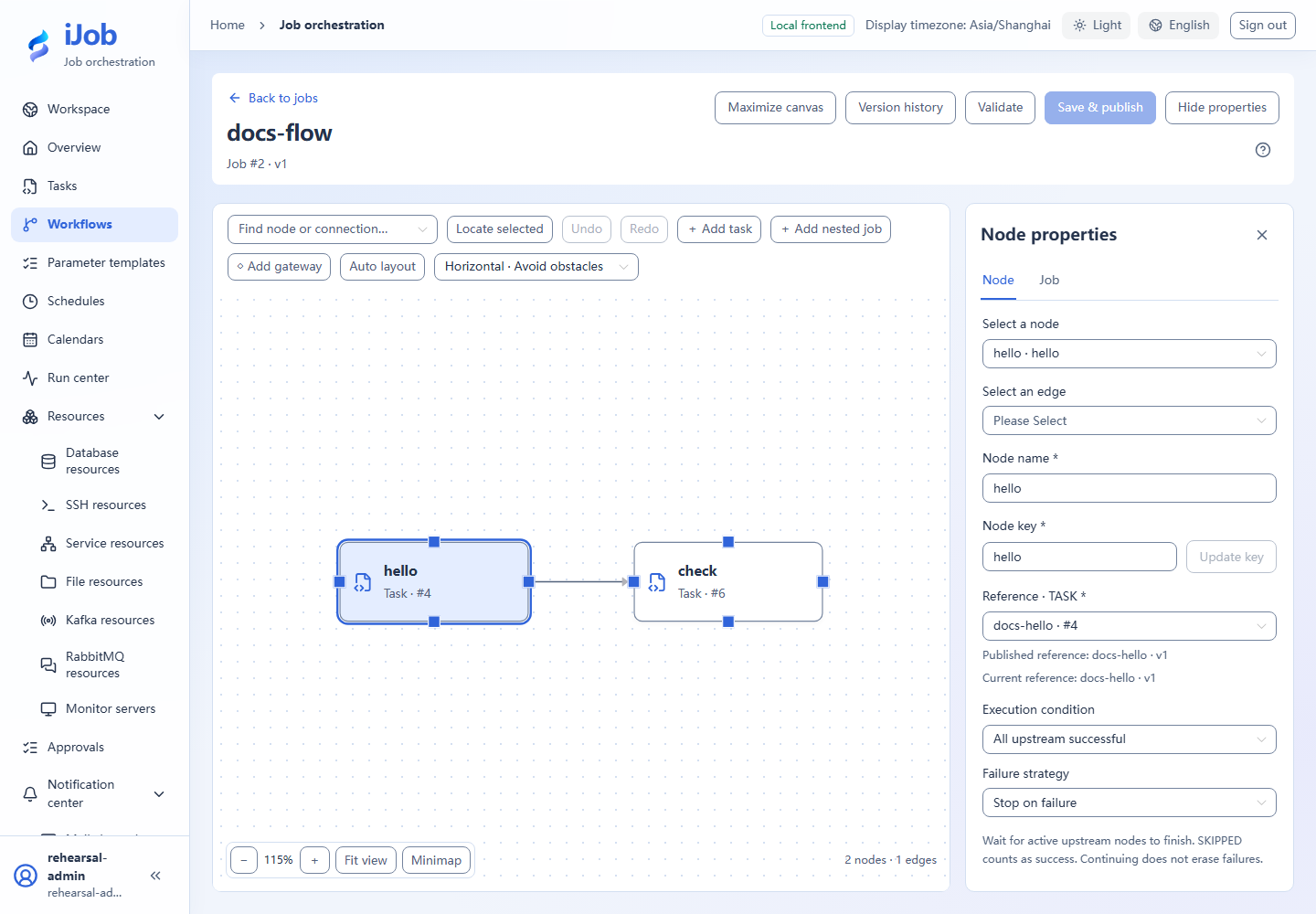
Publish docs-child containing the task, then docs-parent containing a child-job node referencing docs-child. Inspect both published references. Run the parent and expect version-one in logs.
3. Update only the task
Edit the original task and replace its script with:
Write-Output 'version-two'
Write-Output '__VAR__:buildLabel=version-two'
exit 0
Save/publish the task without publishing either job. Run the parent again: expect version-one.
4. Update the child job reference
Republish the child and confirm its new task reference. Do not republish the parent yet; the parent still outputs version-one through its pinned old child snapshot.
5. Republish the parent
Republish the parent and confirm the new child version. Execute it and expect version-two. Historical snapshots remain read-only with unchanged references.
Expected results
| Check | Expected value |
|---|---|
| Task-only publication | Parent outputs version-one |
| Then publish child | Old parent still outputs version-one |
| Finally publish parent | Parent outputs version-two |
| Locate the version | Logs match the buildLabel string; task, child and parent use the corresponding definition snapshots |
Common failures
| Symptom | Action |
|---|---|
| Preflight differs from final reference | Preflight does not lock versions; publication uses current references in its transaction. Inspect the final snapshot. |
Safety and cleanup
Keep useful history if needed. Check parent/child references before removal; do not delete a still-referenced task first.
Version and limitations
Applies to 1.0.0 one-level parent/child references with a Windows PowerShell task. Compare the initial run, task-only update, child publication and final parent publication. Concurrent editing and multilevel cycles are outside these steps.
Interface reference
These are actual interface references for this capability. Names and instance IDs may differ from your run; follow the steps and expected results for extensions.